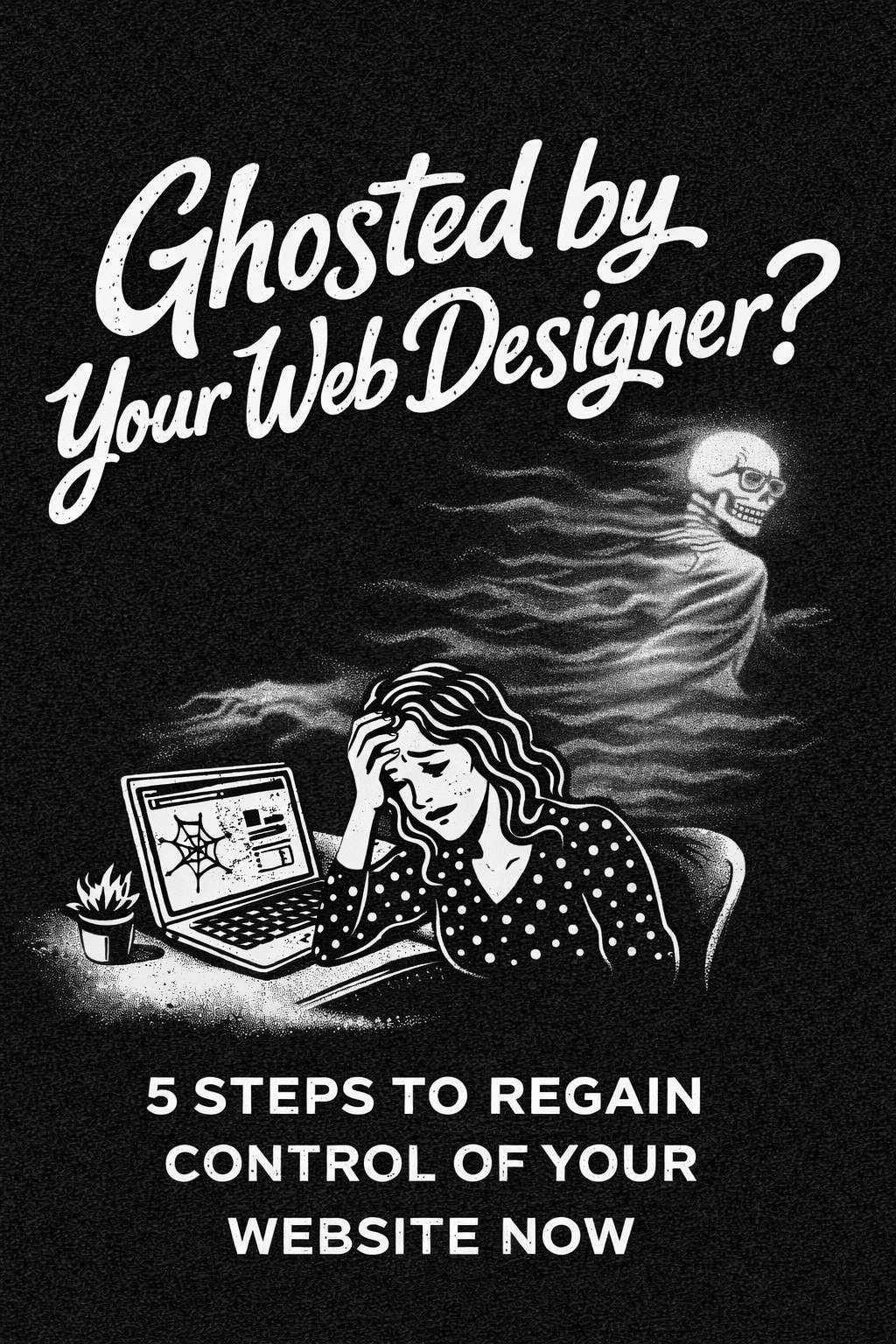
It usually starts with a missed deadline. You send an email to check in on the progress. You wait a few days but hear nothing back. You send another email. Then you try calling but the voicemail is full or the line is disconnected. The sinking feeling in your stomach confirms what you already suspect.
You have been ghosted.
This is a nightmare scenario for any business owner. Your website is likely your primary source of leads and sales. It is the face of your company. When the person holding the keys to that asset vanishes it feels like you have been locked out of your own store.
We see this happen far too often at Graticle Design. A frantic business owner calls us because their freelancer took a full time job or moved away or simply stopped caring. The site is down or broken and they have no way to fix it.
The good news is that you are not helpless. You can get your website back. It requires some detective work and some technical steps but it is entirely possible to regain control.
This guide is your complete emergency action plan. We are going to walk you through exactly how to assess the damage and bypass the gatekeeper to recover your assets. We will also show you how to ensure this never happens to you again.
Phase 1: Confirm the Status of Your Site
Before you start breaking locks you need to understand exactly where you stand. Sometimes a lack of communication is just bad customer service rather than a total abandonment. You need to verify if the designer is truly gone or just ignoring you.
Check for the Warning Signs
There are three major red flags that indicate you have been ghosted rather than just delayed.
1. The Radio Silence
If you have sent multiple emails and texts over a period of ten days with zero response that is a major warning sign. Most professionals will at least set an automated reply if they are out of the office. Complete silence usually means they are avoiding you.
2. The Disappearing Act
Check their own business website. Is it still online? Check their social media profiles. Have they posted recently? If their own digital presence has vanished along with yours then they have likely left the industry entirely.
3. The Hosting Suspension
This is the most critical sign. If your website suddenly gets replaced by a white screen that says Account Suspended then the hosting bill has not been paid. If you paid the designer to handle hosting and they failed to pay the server company then your data is at immediate risk of deletion.
If you see these signs then you need to stop waiting for a reply. You need to take action now.
Phase 2: The Asset Audit
Most business owners do not know exactly what they own. You need to distinguish between three different elements to save your site.
The Domain Name
This is your address on the web. It is the dot com part. If you lose this you lose your traffic and your brand authority.
The Website Files
These are the actual images and text and code that make up the site. This is the house that sits on the land.
The Hosting Account
This is the plot of land where the house sits. This is the server where your files live.
Your designer might control one or two or all three of these. Your recovery strategy depends on which pieces you have access to.
Phase 3: Recovering the Domain Name
This is the most important step. You can rebuild a website files from scratch if you have to. But you cannot easily replace a domain name that you have used for ten years. You must secure the domain first.
Find Out Who Owns It
You need to check the official registration records. Go to a website like Whois.com and type in your domain name. Look for the section labeled Registrant Contact.
Scenario A: You are the Registrant
If you see your name and your email address listed then you are safe. You legally own the domain. You can contact the registrar directly to regain access. The registrar is the company where the domain was bought such as GoDaddy or Namecheap or Network Solutions.
Call their support number. Tell them you are the legal owner but you are locked out of your account. They will verify your identity usually by sending a code to your email or phone. Once you are in you can change the password and lock out the designer.
Scenario B: The Designer is the Registrant
If you see the name of your web designer listed as the Registrant then you have a bigger problem. Technically and legally they own the domain. This happens when designers register domains on behalf of clients but put it in their own personal account.
You will need to prove to the registrar that you are the rightful owner. You must file a dispute or a Registrant Name Change request.
Gather the following documents immediately:
- Bank statements showing you paid for the domain registration or renewal.
- Invoices from the designer showing line items for domain purchase.
- A copy of your business license that matches the domain name.
- A copy of your trademark registration if you have one.
Submit these to the legal or compliance department of the registrar. Explain that the current registrant is acting as your agent but has abandoned their fiduciary duty. This process can take weeks but it is the only way to recover the domain without their cooperation.
Phase 4: Gaining Access to the Hosting
Once the domain is safe you need to get access to the actual website files. The hosting company holds the files. They are usually strict about privacy but they are also a business. They want to get paid.
Follow the Money
Check your credit card statements. Who are you paying every month or year for the website? Your recovery path depends on this answer.
Scenario A: You Pay a Host (like Bluehost or SiteGround) Directly
This is the “DIY” route. If you see a charge on your statement from a major hosting company you are in luck regarding access. You are the customer. You can call their support line and verify your account with the last four digits of the credit card on file.
Even if the designer changed the password or the login email the host will restore access to you because you pay the bill. The downside is that you are now responsible for the technical side of things.
Scenario B: You Pay the Designer (Managed Hosting)
This is very common. Many agencies (including Graticle Design) offer “Managed Hosting” where we handle the technical updates, security, and backups for our clients. In a healthy business relationship this is the best option because you don’t have to worry about server maintenance.
However, if your designer has ghosted you, this becomes a “Gatekeeper” problem.
Since the designer pays the big hosting company they are technically the customer not you. The hosting company will not talk to you initially due to privacy policies because your name is not on the bill.
How to Fix It:
- Find the Host: Use the WHOIS lookup again to find the Name Servers. This will tell you which underlying hosting company is being used (e.g. ns1.bluehost.com).
- Bypass Support: Do not call general support. Contact that company’s Abuse or Legal department.
- State Your Case: Send a formal letter or email stating that the account holder (the designer) has abandoned the site and you are the business owner. State clearly that you wish to assume payment responsibility to prevent the account from being deleted.
Hosting companies do not want to lose a paying account. If you can prove you own the content and the business they may grant you access or allow you to migrate the site to a new account under your name.
Phase 5: The Skeleton Key Method for WordPress
Let us assume your site is still online but you cannot log in to the dashboard. The designer has the only Administrator account and you do not know the password.
You do not need the WordPress password if you have access to the hosting control panel. You can change the password directly in the database. This is a technical process often called the Skeleton Key method.
Step by Step Database Recovery
1. Log into cPanel
Access your hosting account and look for the control panel. Find the icon labeled phpMyAdmin. This is a tool that lets you look at the raw data of your website.
2. Find the Database
On the left side of the screen you will see a list of databases. Click on the one that corresponds to your site. It usually ends in _wp or _wrdp1.
3. Locate the Users Table
You will see a long list of tables. Look for the one named wp_users. Click on it. You will see a list of every user account on your website.
4. Edit the Password
Find the row with your username or the designer’s username. Click the Edit button. Look for the field labeled user_pass. You will see a long string of random characters. This is the encrypted password.
Delete those characters. Type in your new password in plain text. Then look for the dropdown menu in that same row labeled Function. Select MD5 from the list. This tells the database to encrypt your new password so WordPress can read it.
5. Save and Login
Click the Go button to save your changes. Go back to your website login page and enter the new password. You should now have full access.
Phase 6: What If the Site Is Already Gone?
Sometimes you are too late. You type in your URL and get a generic error message. The hosting account was cancelled and the files were deleted.
Do not panic yet. The internet never truly forgets.
The Wayback Machine Recovery
There is a non profit library called the Internet Archive that takes snapshots of websites over time. It is known as the Wayback Machine.
Go to Archive.org and type in your website address. You will see a calendar. Click on a date from a few months ago when your site was still working. You will likely see a full version of your website.
You cannot simply click a button to restore this to WordPress. It is a static picture. However it contains all your valuable text and images. You can copy paste the text. You can save the images. You can see the layout and design.
At Graticle Design we use specialized software that can scrape these archives and turn them back into code. It is not perfect but it is much faster and cheaper than writing all your content from scratch again.
Phase 7: Securing Your Property
Once you regain access you must assume the site is compromised. A designer who ghosts you is likely sloppy with security. They may have left weak passwords or outdated software that makes you vulnerable to hackers.
You need to lock the door behind you.
Create a New Administrator
Do not keep using the old account. Create a brand new Administrator user for yourself with a strong unique password.
Delete the Old Accounts
Delete the user account that belonged to the designer. WordPress will ask you what to do with the content created by that user. Choose the option to Attribute all content to your new user. This ensures your blog posts and pages do not get deleted.
Update All Software
Outdated plugins are the number one entry point for hackers. Go to the Updates section of your dashboard. Update WordPress and your theme and all plugins immediately.
Install Security Scans
Install a security plugin like Wordfence or Sucuri. Run a high sensitivity scan. You want to make sure the designer did not leave a backdoor script that would allow them to regain access later.
How to Prevent This From Happening Again
The most painful part of this process is realizing that it was preventable. Most ghosting situations happen because of a specific hiring mistake.
You hired a person instead of a partner.
Many small businesses hire a solo freelancer because the price is low. But a solo freelancer is a single point of failure. If they get sick or get a full time job or decide to travel the world your business halts.
The Benefit of an Agency Partner
To secure your future you should look for a web design partner that has redundancy.
We Are a Team
At Graticle Design we are not just one person. If a designer is out of the office another team member is available to help you. We answer our phones.
We Are Established
We have been serving businesses in Longview and Vancouver and across the Northwest for years. We have a track record. We are not going to disappear overnight.
You Keep the Keys
We believe in transparency. When we build a site for you we register the domain in your name. We give you full administrative access. We want you to stay with us because you love our service not because you are trapped.
Ready to Rescue Your Website?
If you are reading this you are likely in a stressful situation. You might be staring at a broken site or wondering if your domain is gone forever.
You do not have to handle this alone.
We offer a specific Website Rescue service. While we cannot force a third-party host to unlock an account, we can do the detective work for you. We help you figure out exactly who owns what and provide you with the specific technical language you need to speak to registrars and legal departments.
If access is truly lost we can help you pick up the pieces. We specialize in recreating websites from Wayback Machine archives and old backups to get you back online fast.
Do not wait until your domain expires. The longer you wait the harder it becomes to recover your data.
Contact Graticle Design today. Let us help you navigate this mess and get your business back online.