Search for a plumber, an electrician or a roofer on Google and the first thing you often see is not a website. It is a row of Local Services Ads: business names, star ratings, a phone button and a badge. If you run a trade business, you have probably been asked whether you should be there.
This guide explains how Local Services Ads work, what happened to the old Google Guaranteed badge, how you pay and get credit for bad leads, and why your website and Google Business Profile still matter when you run them.
What Local Services Ads Are
Local Services Ads are Google ads for service businesses. They show your business name, your Google rating, the towns you serve and a way to call or message you. They usually appear at the top of the results when someone searches for a service in their area, above the regular ads and the map.
- Only certain kinds of businesses can run them. Google lists the eligible categories, and most home service trades are on it: plumbers, electricians, heating and cooling, roofers, landscapers, house cleaners and many more. Google’s own eligibility check at ads.google.com/local-services-ads gives the answer for your business.
- They run on your Google profile. A verified Google Business Profile is required, and your reviews show on the ad.
- They are separate from regular Google Ads. Regular search ads send people to your website. Local Services Ads mostly send calls and messages straight to you.
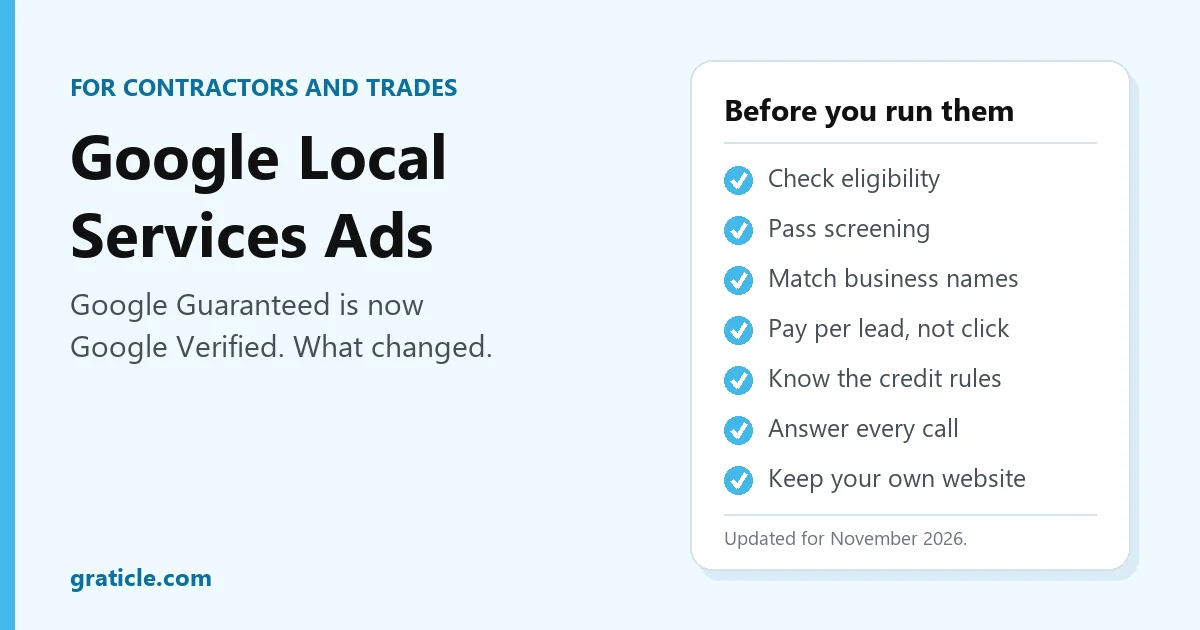
Google Guaranteed Is Now Google Verified
For years the green check mark on these ads was called Google Guaranteed, and it came with a money-back promise to customers. That has changed. In August 2025 Google announced that starting in October it would replace Google Guaranteed, Google Screened, License Verified by Google and the Money Back Guarantee with one badge: Google Verified.
- The money-back guarantee is gone. Google discontinued it. Reimbursement requests were only accepted for services booked through Local Services Ads before December 7, 2025.
- The badge shows what was checked. Your profile shows the verification checks your business passed, such as a license or insurance check.
- Businesses that were already verified got the new badge automatically. New advertisers earn it by completing Google’s screening and verification.
If your website, truck or business cards still say “Google Guaranteed,” it is time to update them. Customers may look for the old promise, and it no longer exists.
Can you show the badge on your own website? Google’s help pages say the badge displays on your Local Services Ads profile and may appear in other places on Google. They do not say businesses can copy the badge image onto their own websites. We suggest a plain line such as “Verified by Google for Local Services Ads” with a link to your Google profile or reviews, rather than Google’s logo or badge artwork, and checking Google’s brand rules before you use any Google artwork.
What Google Checks Before You Can Run Them
Google calls this screening and verification. What it asks for depends on your category and your state, and it can take a few weeks after you send the documents. Depending on the business, it can include:
- A business license or state registration, and in some trades the owner’s license.
- Proof of general liability insurance.
- Background checks of the business and its owner.
- For categories Google treats as urgent, such as electricians, heating and cooling, and garage doors, an extra level of screening that includes background checks of the people who do the work.
- Reviews, depending on the category.
In Washington, keep your contractor registration current with Labor & Industries and make sure the business name on your registration, insurance and Google profile match exactly. Mismatched names are a common reason verification stalls.
How You Pay, and Credits for Bad Leads
With Local Services Ads you pay for leads, such as a call or message from a customer, not for clicks. You set a budget, and Google says you pay only for leads related to your business and the services you offer.
Not every lead is a good one, so it pays to know how credits work. As of November 2026, Google’s help pages say:
- Credits are mostly automatic. Leads Google decides are invalid or low quality are not charged, and charged leads are reviewed again over time and may be credited later.
- Credits usually show up within 30 days. The original charge still appears on your invoice.
- Some reasons no longer earn a credit. Google stopped giving credits for leads marked “job type not serviced” or “geo not serviced.” That makes it important to set your services and towns carefully so those leads do not come in at all.
- You can still rate leads. Rating each lead and sending feedback helps Google learn what a good lead is for you.
Google changes these rules from time to time, so read the current help pages in your Local Services Ads account before you set a budget.
Why Your Website Still Matters
Local Services Ads can bring calls without a click to your website, but most people still check you out before they pick up the phone, and many call the second or third business they look at. Your website and Google profile do that work:
- They back up the ad. Real job photos, the towns you serve and your registration number tell people you are the real thing.
- They bring calls you do not pay for each time. When someone finds your website or Google profile and calls, there is no lead charge.
- They keep working if you pause the ads. Ads stop the day the budget stops. Pages and reviews keep building.
- Your reviews do double duty. The reviews on your Google profile show on your Local Services Ads too, so every good review helps both.
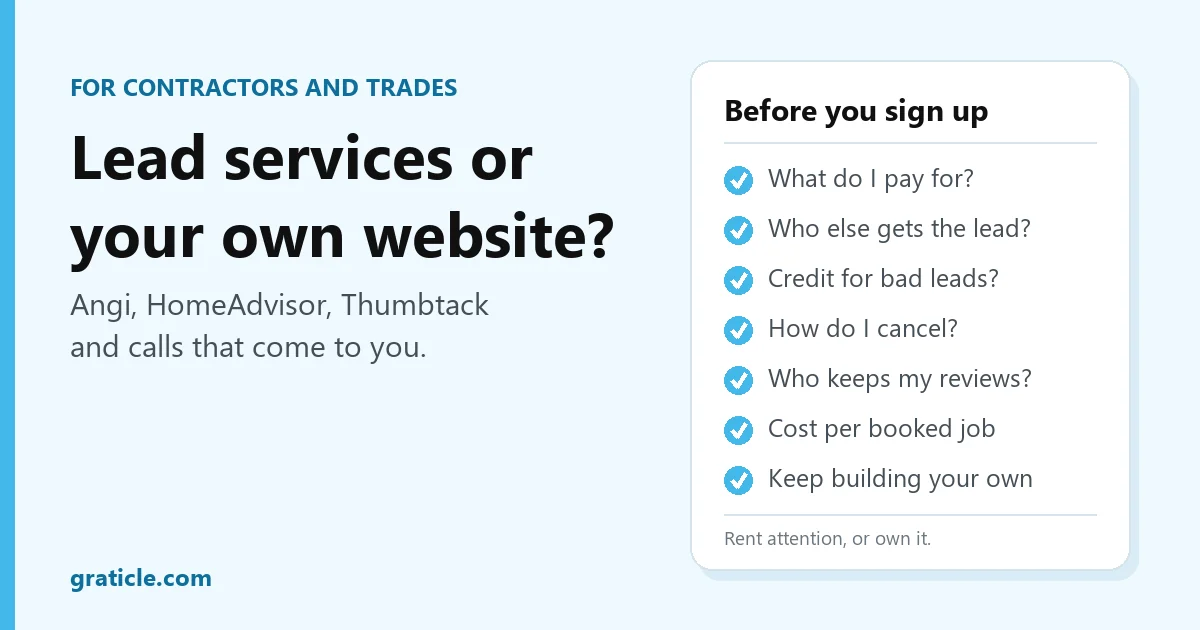
For more on how paid leads compare with your own website, read lead services or your own website.
Are Local Services Ads Worth It?
For many trades they can be, especially when you are new, want to fill a slow month or work in a busy category where the ads sit above everything else. A few habits make the difference:
- Answer every call. Missed calls still cost you, and response speed matters on Google.
- Set your services and towns carefully. Only list the work and the areas you want.
- Track booked jobs, not leads. For a few months, write down which leads became jobs and what they cost you.
- Keep asking for Google reviews. They help your ads, your map listing and your website at the same time.
- Keep building your own website. It is the part you own.
Google, Google Ads and Local Services Ads are trademarks of Google LLC. Graticle is not affiliated with Google. This post reflects Google’s help pages and announcements as of November 2026. Eligibility, screening and credit rules change, so check the current rules in your account.
Questions People Ask
Does Google Guaranteed still exist?
No. Starting in October 2025, Google replaced Google Guaranteed, Google Screened and License Verified by Google with a single Google Verified badge, and it discontinued the money-back guarantee.
How do I get the Google Verified badge?
Sign up for Local Services Ads and complete Google’s screening and verification for your category. Depending on the business, that can include a license or registration check, proof of insurance and background checks. Businesses that were already verified received the new badge automatically.
Do I pay per click with Local Services Ads?
No. You pay for leads, such as calls and messages from customers, and Google gives credits automatically for leads it finds invalid or low quality.
Can I put the Google Verified badge on my website?
Google’s help pages say the badge shows on your Local Services Ads profile and other Google surfaces, and they do not say you can copy it to your own website. A plain line with a link to your Google profile or reviews is the safer choice. Check Google’s brand rules before using any Google artwork.
Do I still need a website if I run Local Services Ads?
Yes. Most people check you out before they call, the calls your website brings do not carry a lead charge, and your website keeps working when you pause the ads.