
10 Things We Need Before Designing Your Website
Before we start designing your website, there are a few things we need in order for you to have a successful project. If you haven't hired a website designer before, you may be under the impression that you pay your invoice and nothing else is needed from you. Although we will make things extremely seamless, there is still information and assets we need to gather from you. We've created this article as a prep before hiring any web design company, including us. Grab a cup of coffee, your notebook and start reading. You ready? Let's get into it! 1. It…
Should You Manage Your WordPress Website Yourself? (Pros & Cons)
You can DIY your website or hire some manage your website yourself. We help you decide which is the best decision for you.
7 Quick Steps for Finding a Reliable Web Design Company
Do you know how to find a reliable web design company? Follow these tips to ensure you find a responsible website design company!

How to Find a Reliable Web Design Company
Having trouble finding a reliable web design company? Follow these 7 Steps to ensure you find a responsible website design company to complete your project!
Is YOUR Website Secure?
Lately, we've been overwhelmed with a number of customer requests to secure their website. Particularly, with an SSL Certificate.
WordPress 4.5 “Coleman” Released – Favorite New Features (with Screenshots & GIFs)
WordPress 4.5 was released on April 12, 2016, with the name of "Coleman" (in honor of jazz artist Coleman Hawkins). Another incremental update which does include a handful of helpful changes.
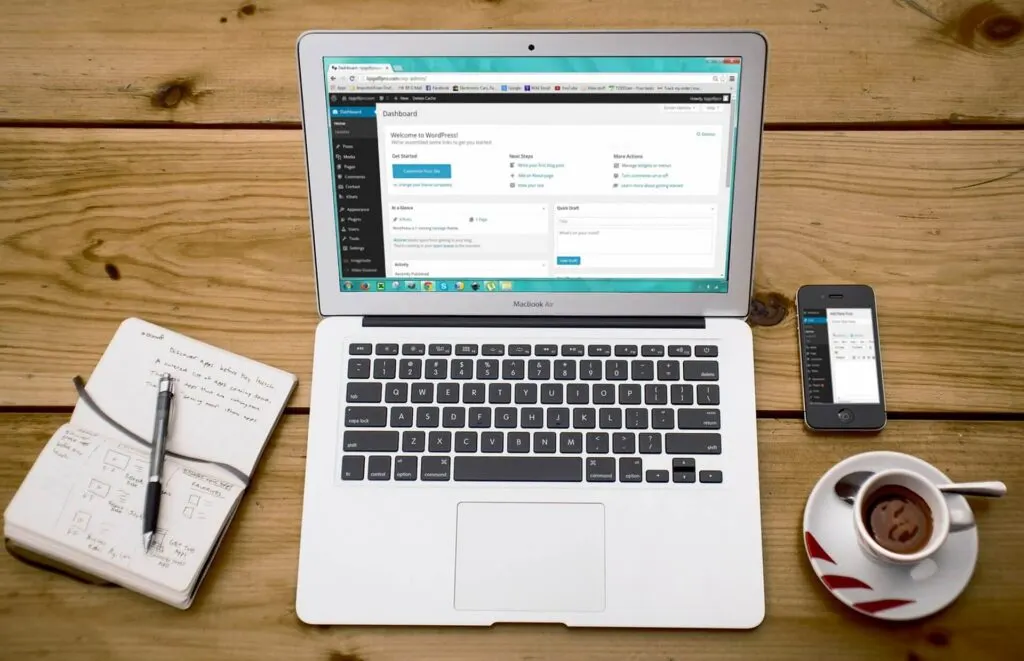
25% of All Websites Powered by WordPress
A full 25% of all websites in existence, are now powered by WordPress. That's 1 in 4 websites. Incredible.
WordPress 4.3 “Billie” Released – Favorite New Features (with Screenshots & GIFs)
WordPress 4.2 was released on April 27, 2015 with the name of "Powell" (in honor of jazz pianist Bud Powell on Wikipedia). Not the largest update, but it does include some handy features if you use WordPress often.
How to Quickly Setup a Redirect in WordPress
Find out how to setup a redirect in WordPress in 3 simple steps using a completely free and easy to use plugin.
WordPress 4.2 Released – Favorite New Features (with Screenshots & GIFs)
WordPress 4.2 was released on April 27, 2015 with the name of "Powell" (in honor of jazz pianist Bud Powell on Wikipedia). Not the largest update, but it does include some handy features if you use WordPress often.

Creative Creating: Create the Tools You Wish Existed
I think it's important for people to build and create things they wish existed or believe they can do better. Not only for the tools that come out of it, but for the entire experience of creating.
WordPress: Easy Content Management with Custom Post Types
Don't get me wrong, WordPress has allowed non-programmers to manage their own websites in a landscape that previously gave developers all of the power. But as with any software, it can be improved.
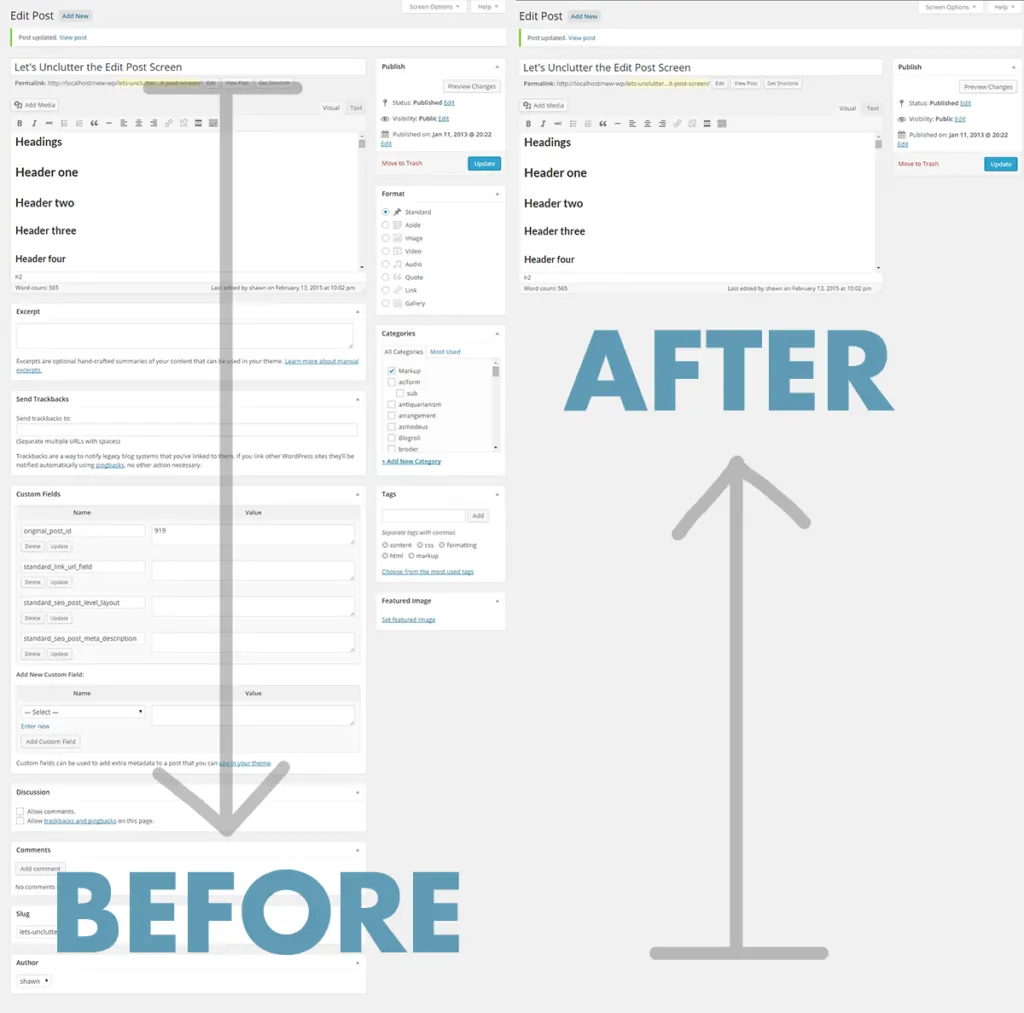
How to Customize the Edit Post Screen in WordPress
Although it's great having a multitude of features at your disposal with WordPress, sometimes the Edit Screen can become bloated. Let's fix that.
How to Schedule Future Posts in WordPress
Scheduling blog posts to be published in the future is a breeze with WordPress. Here are four easy steps to scheduling your first future post.
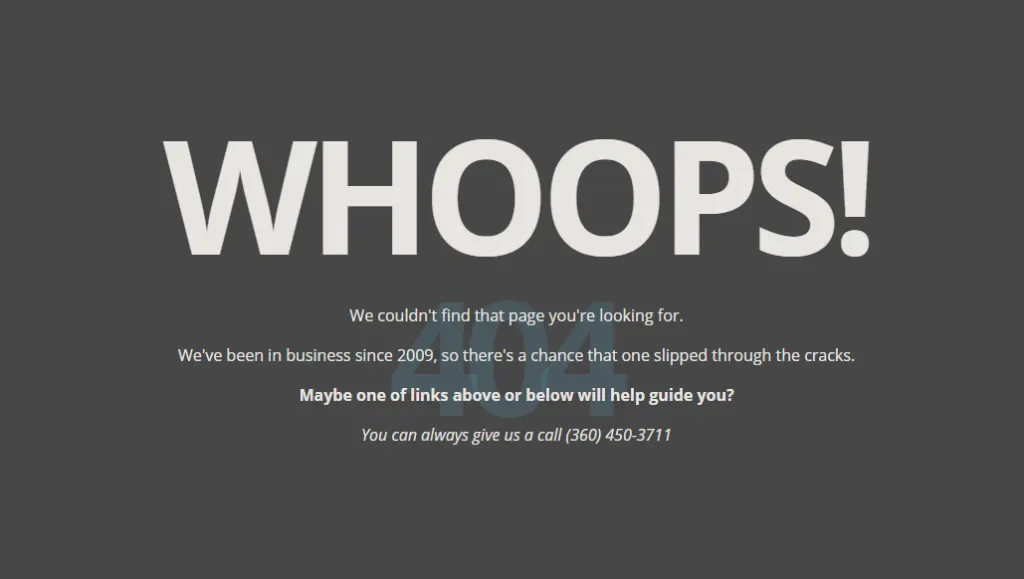
What are 404 Errors and How to Fix Them in WordPress
The dreaded 404. If people are landing on your website and they can't find what they're looking for, they're gone. It's that simple. Learn how to fix this right now.
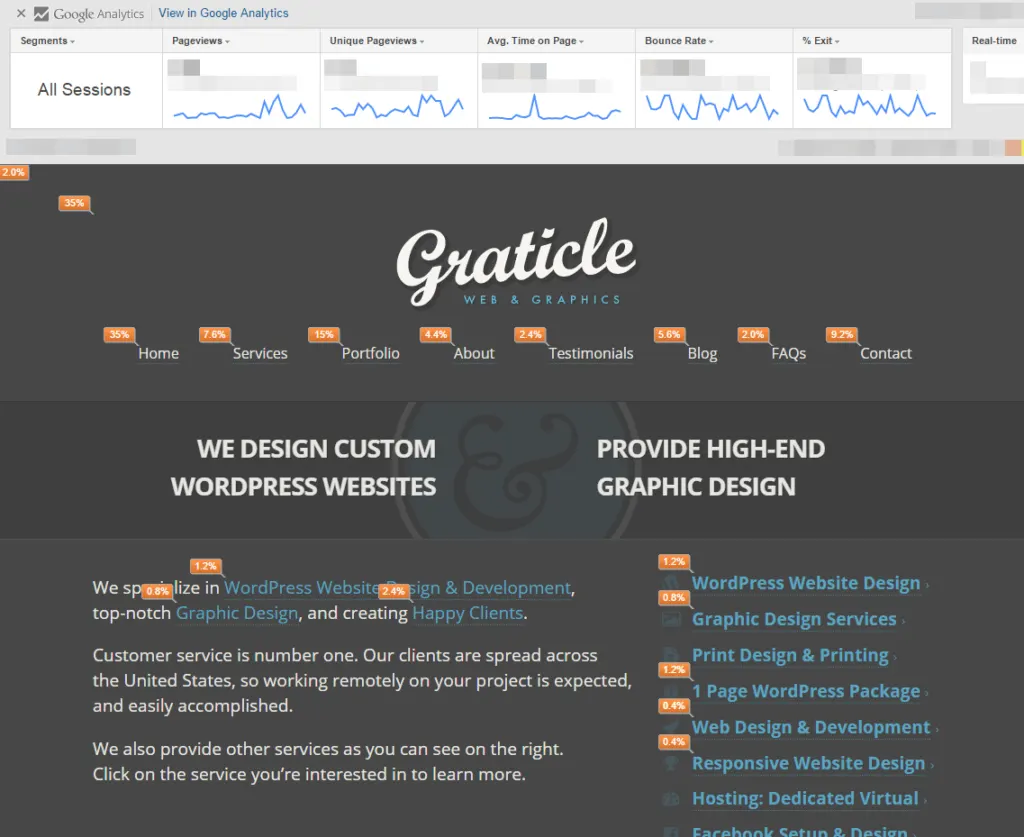
View Google Analytics As You Browse Your Website
With this new Google Chrome extension, you can see how your customers are interacting with your website visually.
11 Tools & Tips To Speed Up Your WordPress Website Today
Is your WordPress website dragging? In this article we'll uncover 11 easy-to-follow tools & tips to improve your tired WordPress website right now.
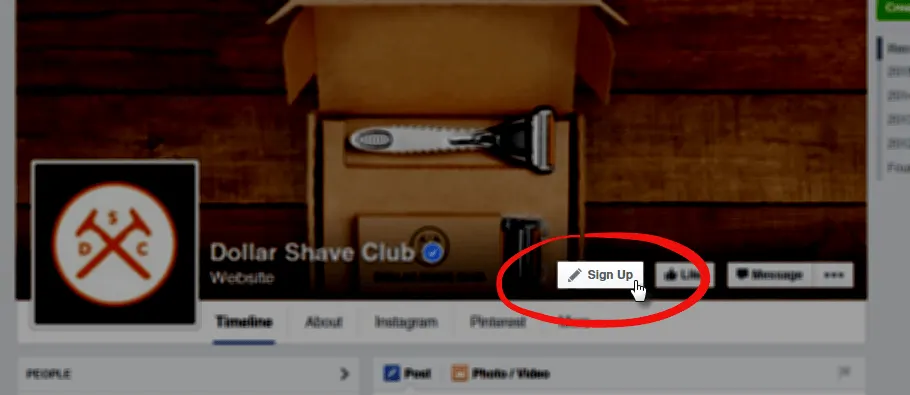
NEW: Facebook Pages Call to Action Buttons
What Facebook's Call to Action Buttons look like and how you can take advantage of these buttons on your Facebook page today.
WordPress Mistake Tip #3: Contact Form Spam
Something we all want less of: Spam. When it comes to creating contact forms, circumventing spammers is often overlooked. You guessed it: Big Mistake.
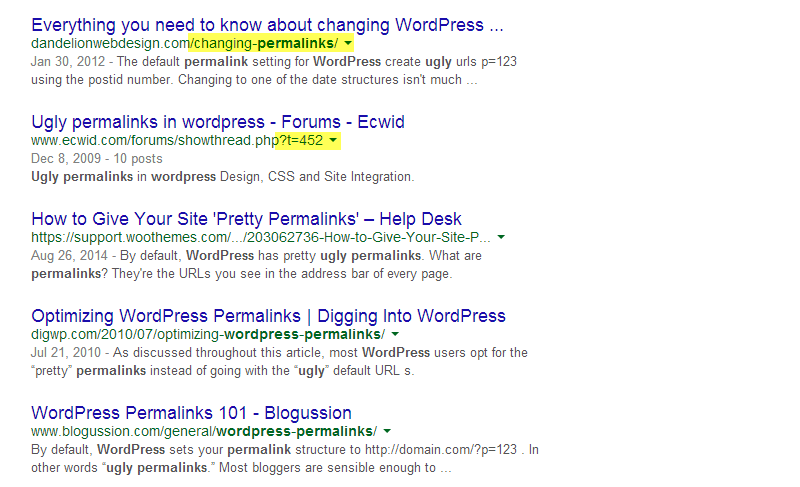
WordPress Mistake Tip #2: Changing Permalinks
Most WordPress beginners don't even know what permalinks are, let alone how to change them. HUGE mistake. Find out why / how to change them right now.

WordPress Mistake Tip #1: Selecting Image Sizes
We all use images in our websites, but often beginner WordPress users will insert billboard-sized photos. A huge mistake if you'd like people to actually stay on your website.
WordPress 4.1 Released – 5 Great New Features (with Screenshots & GIFs)
WordPress 4.1 was released on December 18, 2014. A minor upgrade, but still includes some gems if you use WordPress as often as I do.
What Is a Landing Page?
What exactly is a Landing Page? Technically, a landing page is the page you "land on" after clicking a link. Although if you've heard the term used in marketing, it's something more specific. In marketing, a landing page is the page you land on after you click an advertisement. It's important to note that you can arrive at a landing page through other methods, but this is the approach I'll be focusing on. The purpose of a landing page is to take the user from the original Advertisement → Landing Page → Finish (Goal, Sale, etc.) Instead of a creating an advertisement and then sending the user to your…
WordPress 4.0 – 3 Great New Features (with Screenshots & GIFs)
Next week, WordPress 4.0 is going to be released and I'd like to give you an overview of the new features. WordPress has made over 250 changes thus far, but here are the top 3 that I know you'll be using.
