Closing or selling a business comes with a long list, and the website is rarely near the top. Then, months later, the card on file is still being charged for a website nobody uses, or email to the old address stops and a customer cannot reach the new owner. We have taken calls from owners still paying for the website of a business they sold.
A few decisions made in the right order prevent all of that. Here is what to do with your website, domain, email and Google listing when you sell, close or retire.
What You Actually Have
Most owners are surprised how many pieces there are. Make a list:
- The domain, and who it is registered to
- The website and its hosting account
- Business email at your domain
- Google Business Profile, Bing Places and Apple Maps listings, with their reviews
- Facebook, Instagram and other social pages
- Directory listings such as Yelp and the BBB
- The business phone number
- Monthly or yearly charges for any of these
If You Are Selling
For a buyer, the domain, phone number, reviews and Google profile are often worth more than the website itself. They are years of reputation.
- Name them in the sale. List the domain, website, listings, social pages and phone number as assets in the agreement.
- Transfer ownership, not just passwords. Move the domain to the buyer’s registrar account, make the buyer the primary owner of the Google profile, and put the hosting account and billing in their name.
- Plan the email handoff. Agree on how long you can still read mail at the old address, and forward it to the buyer after that.
- Move the billing. Ask every provider to change the card and contact on file, so you stop paying the day you hand over the keys.
If You Are Closing
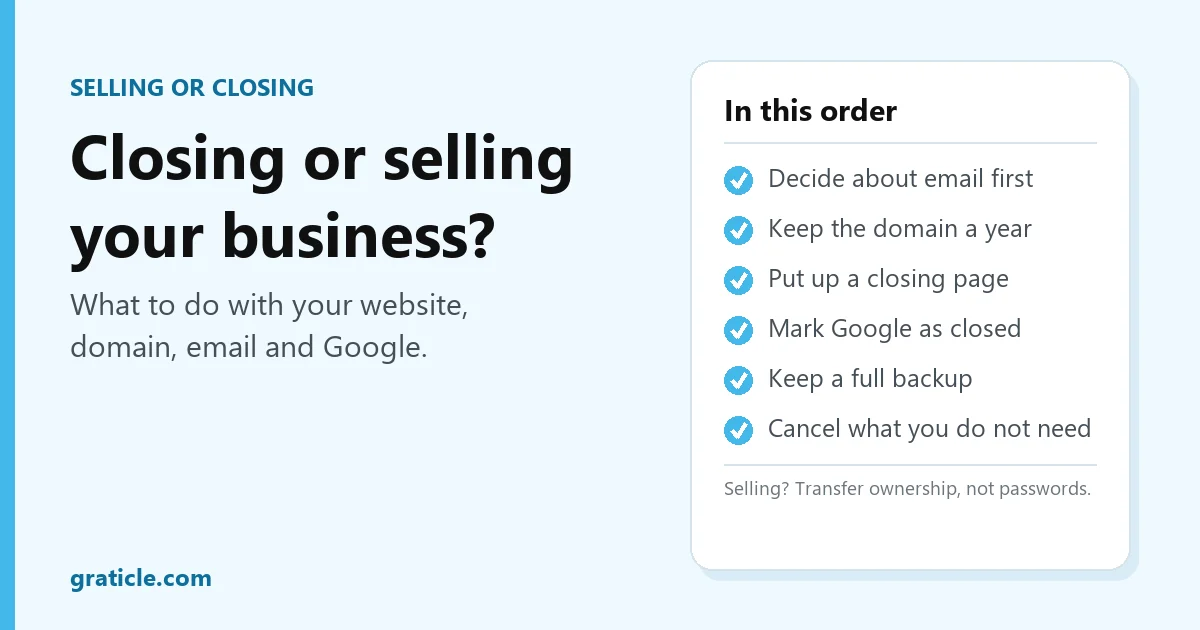
- Decide about email first. Email at your domain stops the moment the domain or its settings are deleted. Download anything you need to keep, and set up an auto-reply that points people somewhere useful.
- Keep the domain registered for at least a year. A domain costs little to renew. If it lapses, anyone can buy it and use your old reputation, including spammers.
- Replace the website with a simple closing page. One page that says you have closed, thanks your customers and, if it helps, points them to someone you trust. It keeps people from calling a dead number.
- Mark your Google profile as permanently closed. Google has a setting for this, and it is better than deleting the profile.
- Keep a backup. Ask for a full copy of the website and keep your records.
- Cancel what you no longer need, and turn off auto-renew on anything you are not keeping.
Mistakes to Avoid
- Deleting the domain to save money. It ends email at once and lets someone else take your name.
- Handing over passwords instead of ownership. The accounts stay in your name, and you stay responsible for them.
- Forgetting the charges. Check your card statements for website, hosting, email and listing fees for a few months afterward.
- Leaving an old number online. If the number goes with you or is shut off, update it everywhere. See where old phone numbers hide.
When a client tells us they are closing or selling, we stop billing, keep a backup, take the website down or replace it with a closing page, and hand over the files and domain transfer codes to whoever needs them. If a business sells, we can move the whole account to the new owner. The guide Who owns your website? explains why having everything in your name makes this simple.
Questions People Ask
What happens to my business email if I close my website?
Email at your domain keeps working only as long as the domain and its email settings stay in place. Keep the domain registered and decide about email before you cancel anything.
Should I let my domain expire when I close my business?
It is better to keep it for at least a year. An expired domain can be bought by anyone, who can then use your old name and reputation.
Can I transfer my website and Google reviews to the person buying my business?
Yes. Transfer the domain and hosting into the buyer’s name and make them the primary owner of the Google Business Profile. The reviews stay with the profile.
Do I delete my Google Business Profile when I close?
Usually not. Mark it as permanently closed, which tells customers clearly and keeps the history.