“Is this one for you, or for my IT guy?” We hear it every week. A warning arrives from the domain company. Email stops working. The website moves and suddenly nobody gets mail. Each piece is handled by someone different, and the pieces are connected in ways nobody explained.
Here is a plain-English map of the four pieces behind your website and email, who usually handles each one, and who to call when something breaks.
The Four Pieces
1. The domain
Your address on the internet, like yourbusiness.com. You rent it by the year from a company called a registrar, such as GoDaddy, Namecheap or Squarespace. It should be in your business’s name.
2. DNS
The address book for your domain. It holds a short list of settings, called records, that say where your website lives and where your email goes. DNS might be managed at your registrar, at your web host, or at a service like Cloudflare.
3. Website hosting
The server your website runs on. One set of DNS records points visitors there.
4. Email
Your mailboxes, usually Google Workspace or Microsoft 365. A different set of DNS records, called MX records, sends your mail there. More records prove to other email providers that mail from your domain is really yours.
The key point: your website and your email share one address book. A change made for one can break the other. Moving a website should only change the website records. If someone replaces the whole list, email can stop the same afternoon.
Who Usually Handles What
- Domain: owned by you. Often managed by your web person or your IT company, as long as you can get to it.
- DNS: whoever set it up last. This is the piece that causes the most confusion, so write down where it is.
- Website hosting: your web designer or website management company.
- Email mailboxes, computers and phones: your IT company, or you, if you set up Google Workspace or Microsoft 365 yourself.
- Email sent by your website, like contact form messages: your web person. That mail usually goes through its own delivery service, not your mailboxes and not the web server. If your IT company asks, that is the answer they need.
Warning Emails: Which Ones Matter
- “Connect your domain” or “Your domain is not pointing to us.” Hosts and website builders send these automatically. If your website works, you can usually ignore them. Ask your web person if you are not sure.
- “Your email is at risk” from your registrar. If your email runs through Microsoft 365 or Google Workspace, a warning about email from the domain company is often an upsell, not a problem.
- “Your domain expires soon.” This one matters. If the domain expires, the website and email both stop. Make sure auto-renew is on with a card that will not expire.
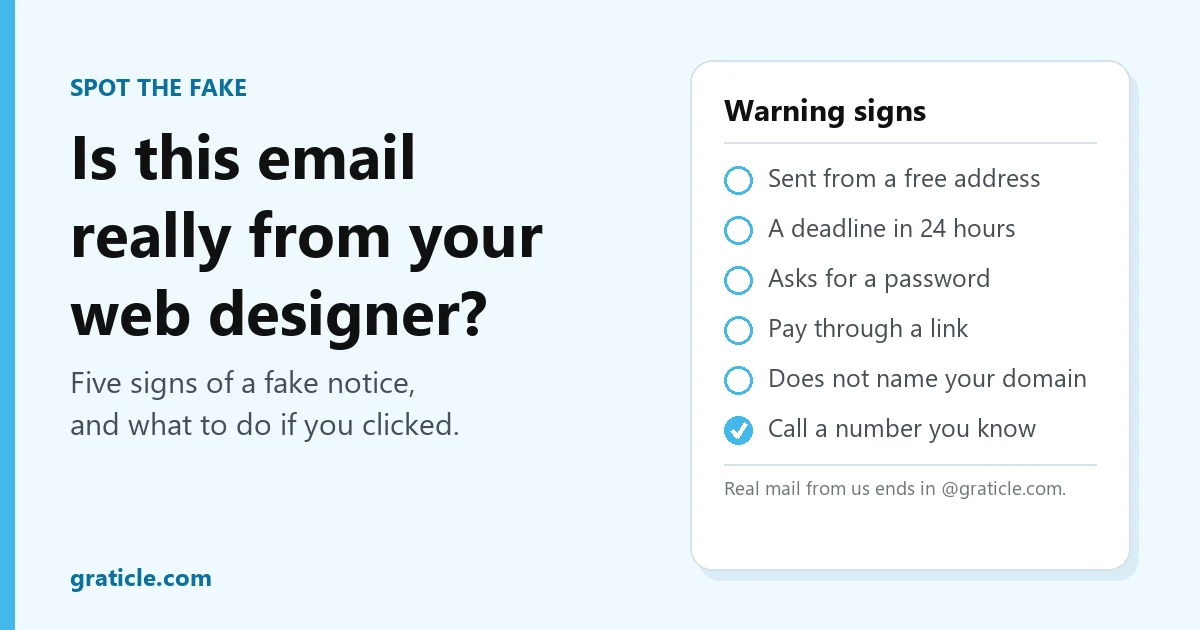
- Anything urgent from a company you do not recognize. Read our guide to spotting a fake web designer email before you click.
Who to Call When Something Breaks
- The website is down, but email works: your web person.
- All email stopped, sending and receiving: your email provider or IT company. Ask whether anyone changed DNS recently.
- Email works, but website form messages stopped: your web person. See why form emails go missing.
- Your emails land in customers’ spam: either one. It is usually a DNS setting both should look at together.
- Both website and email are down: check the domain first. An expired domain or a DNS change is the usual cause.
How to Keep Everyone on the Same Page
- Keep one simple list: where the domain is registered, where DNS is managed, who hosts the website and who provides email, with a contact for each.
- Give each person their own access, not a shared password. See how to give access without sharing passwords.
- Announce DNS changes before they happen, so the other side can check their records.
- Never delete a record you do not recognize. Ask first. That odd-looking line may be what keeps your email out of spam.
We work alongside local IT companies all the time. They look after your computers and mailboxes, we look after the website and the records it depends on, and both of us know who to call.
Questions People Ask
Can changing my website break my email?
It can, if the DNS records for email are changed or removed while the website records are updated. A careful move changes only the website records and leaves the email records alone.
Who should own my domain?
Your business. Your web person or IT company can manage it for you, but the account should be in your business’s name with an email address you control.
Does contact form email come from my web server?
Not on a well-set-up site. Website email should go through a dedicated email delivery service connected to your domain, which is more reliable than the web server.
Do I need both a web designer and an IT company?
Many small businesses do: an IT company for computers, phones and mailboxes, and a web person for the website, domain records and Google. What matters is that both know who does what.