“Ten minutes is ridiculous.” That was one business owner’s reaction to a login code that expired before they saw it. They check email once a day, and the account sent a code every time we needed to make a change. They were right. Passing codes back and forth wastes everyone’s time.
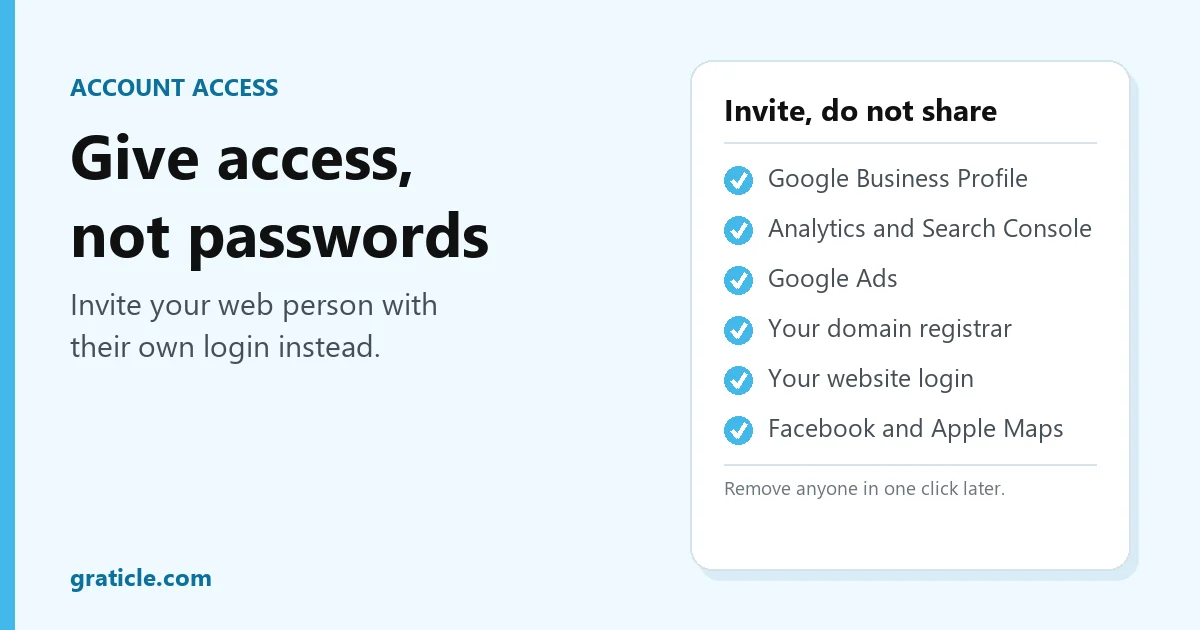
The fix was simple: add us to the account as a technical contact, with our own login. No more codes, and no shared password. Almost every account a business uses has a way to invite another person. Here is how, account by account, and why it is safer than sending a password.
Why Not Just Send the Password?
- Email is not a safe place for passwords. It sits in two inboxes forever. If either account is ever broken into, the password goes with it.
- Codes get in the way. Most accounts now send a code to your phone or email at sign-in. With a shared password, every change waits on you.
- You cannot take a password back. When you stop working with someone, you have to change it everywhere. A separate login can be removed in one click.
- You can see who did what. Separate logins show which person made a change.
How to Invite Someone, Account by Account
Menu names change from time to time, but the setting is almost always called users, people, permissions or access.
Google Business Profile
In your profile’s settings, open People and access and add their email. Managers can edit the profile. Owners can also add and remove people. Keep yourself as the primary owner. Our guide to suspended Google profiles explains why ownership matters.
Google Analytics, Search Console and Google Ads
Each one has its own user settings: Access management in Analytics, Users and permissions in Search Console, and Access and security in Google Ads. Add their email with the level they need.
Your domain
- GoDaddy: use Delegate Access in your account settings to invite someone to manage products for you.
- Namecheap: use Share Access to give another account access to a domain.
- Squarespace and others: look for permissions or contributors, and give domain access only.
Many registrars also let you add a technical contact, so notices about the domain reach your web person too.
Your website
- WordPress: create a separate user account for them under Users. Do not share yours.
- Wix and Squarespace: invite them as a contributor or collaborator from the site settings.
- Hosting: most hosts let you add a user or technical contact to the account.
Facebook and Instagram
In Meta Business Suite, add them under Settings and People with the access they need.
Apple Maps
Apple Business Connect lets you add users to your business, so someone else can update your Apple Maps listing.
If You Already Emailed a Password
- Change the password, and change it anywhere else you used the same one.
- Turn on two-step sign-in.
- Invite the person with their own login using the steps above.
- Delete the old email with the password in it, from both Inbox and Sent.
When someone sends us a password by email, we change it after we use it and ask to be invited properly instead. A good web person will be glad you asked.
Questions People Ask
Is it safe to email my password to my web designer?
It is better not to. Email keeps the password in two inboxes for years. Invite your web designer as a user with their own login instead, and change any password you already sent.
Should my web designer be an owner or a manager on my Google Business Profile?
Manager is enough for most work. Owners can also add and remove people, so give owner access only if they need to bring in someone else. Keep yourself as the primary owner.
What happens to their access when we stop working together?
You remove their user from each account. Nothing else changes, and you do not have to reset your own passwords.