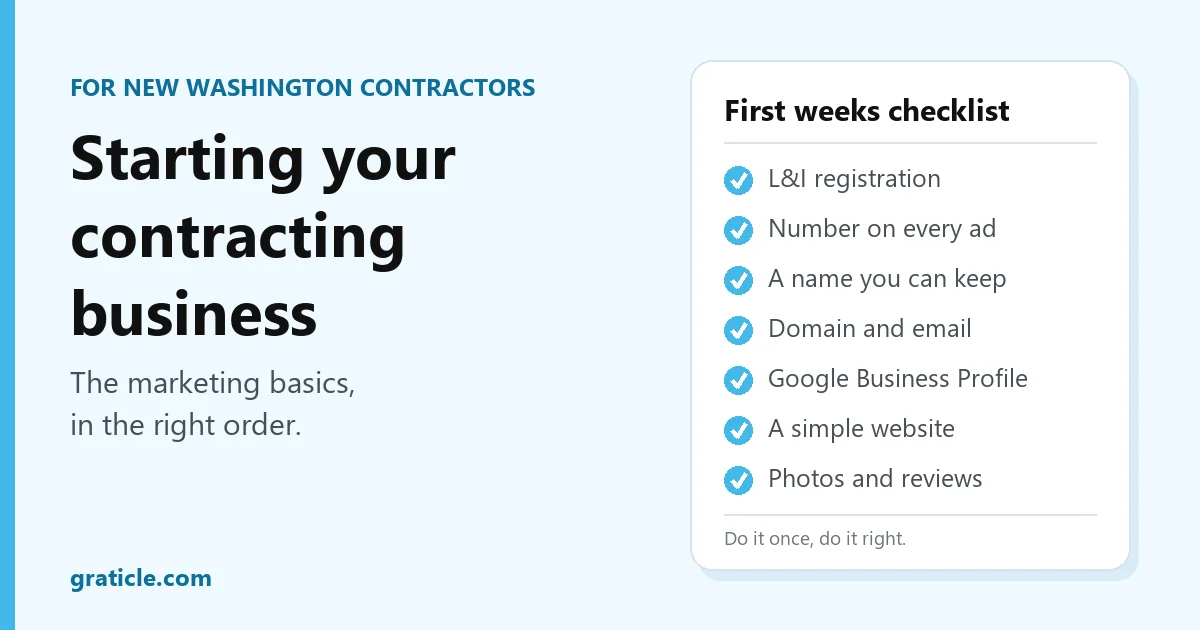
Starting your own contracting business is a big step. Most of the work is the work itself, but the first few weeks also decide how easy it will be for customers to find you, trust you and call you. Doing a few things in the right order now saves you from redoing them later.
This checklist is for new contractors and trades in Washington. It covers the registration basics first, because they affect your name and your advertising, then the marketing pieces: name, domain, email, Google profile, website, photos and reviews.
1. Register With the State First
In Washington, contractors register with the Department of Labor & Industries (L&I). As of November 2026, L&I lists these steps on its Register as a Contractor page:
- Register your business with the Department of Revenue. That gives you a business license and a UBI number.
- Get a surety bond. Since July 1, 2024, the bond is $30,000 for general contractors and $15,000 for specialty contractors.
- Buy general liability insurance. L&I asks for $200,000 public liability and $50,000 property damage, or $250,000 combined, with L&I listed as the certificate holder.
- Apply for contractor registration and pay the application fee.
Choose between general and specialty registration carefully. General contractors can do most kinds of construction work and hire subcontractors. Specialty contractors can only do the specialty they register for and cannot hire subcontractors. If you will have employees, Washington workers’ compensation comes through L&I unless you qualify to self-insure.
Use the exact same business name everywhere. L&I requires the bond and insurance to use the exact business name. Use that same name on your Google profile, website, trucks and cards, so customers and Google see one business.
2. Put Your Registration Number on Everything
L&I says that by law, when you advertise, solicit bids or offer to do work, you must include your contractor registration number, including on business cards, internet ads, estimates and bid proposals. Put it in your website footer, on your Google profile where it fits, on your estimates and on your truck lettering. Customers in Washington can look up your registration, bond and insurance with L&I’s Verify a Contractor search, and the careful ones do.
3. Pick a Name You Can Keep
Changing a business name later is possible, but it touches everything: registration, bond, insurance, Google, your website and your trucks. Before you decide, check that:
- The name is available with the state, and no local business has one close to it.
- A matching domain name is available, ideally a .com that is short and easy to say on the phone.
- It still fits if you add a service or a town later. A name tied to one town or one service is harder to grow into.
If you already have a name and want to change it, our guide to changing your business name covers the order to do it in without losing your Google reviews.
4. Get Your Domain and Business Email
Register your domain in the business’s name, with a login you control, not a friend’s or a past web company’s. Then set up email at that domain, such as office@yourcompany.com. A business email looks more established than a free address on an estimate, and it keeps working when an employee leaves. Already have a domain or website? Our free website ownership check walks through what you control and what someone else holds.
5. Set Up Your Google Business Profile
For most local trades, the Google Business Profile brings more calls than anything else in the first year. It is free. Choose the category that matches your main work, list the towns you serve, add your hours and phone number and upload real photos. If you work from home, you can show a service area and hide your home address. Our guide to showing up on Google Maps without a storefront walks through it.
6. Start With a Simple Website
You do not need a big website to start. You need one that answers the questions a customer has before they call:
- What you do, with a page for each main service.
- Where you work, naming the towns you serve.
- Proof: real job photos and your first reviews.
- Your registration number, and that you are bonded and insured.
- A phone number you can tap and a short request form.
A website you own keeps working while you are on the job, and it grows with you as you add services, towns and photos. Our free website page planner lists the pages for your trade and towns.
7. Photos and Reviews From the First Job
- Take before and after photos of every job. They are the best proof a new business has. Our guide to job photos that win more work covers the habits.
- Ask every happy customer for a Google review. Your first ten reviews matter more than the next hundred. Make it easy with a short link to your review page.
- Be careful with paid leads. They can help fill the calendar at the start, but track what each booked job costs. Read lead services or your own website before you sign up.
This is a marketing checklist, not legal advice. Registration steps, bond and insurance amounts and fees come from L&I’s website as of November 2026 and can change, so check with L&I and the Department of Revenue for the current rules.
Questions People Ask
How much is a contractor bond in Washington?
Since July 1, 2024, L&I requires a $30,000 bond for general contractors and $15,000 for specialty contractors. Check L&I’s website for the current amounts.
Do I have to put my contractor registration number on my website?
L&I says that by law, when you advertise, solicit bids or offer to perform work, you must include your contractor registration number, and it names internet ads, business cards, estimates and bid proposals. Putting it in your website footer is the simple way to cover every page.
Do I need a website when I am just starting out?
Start with a free Google Business Profile, then a simple website with your services, towns, photos, reviews and registration number. A website you own keeps working while you are on the job and grows with you.
Should I use my home address on Google?
No, if you do not want customers coming to your home. Google lets businesses that travel to customers show a service area and hide the address.