The first hard freeze or windstorm of the winter changes how people find a contractor. A pipe has burst, the furnace quit overnight, a tree is on the roof or the car is in the ditch. Nobody is comparing portfolios. They pick up a phone, often in the dark and sometimes with the power out, search for help nearby and call the first company that looks open and easy to reach.
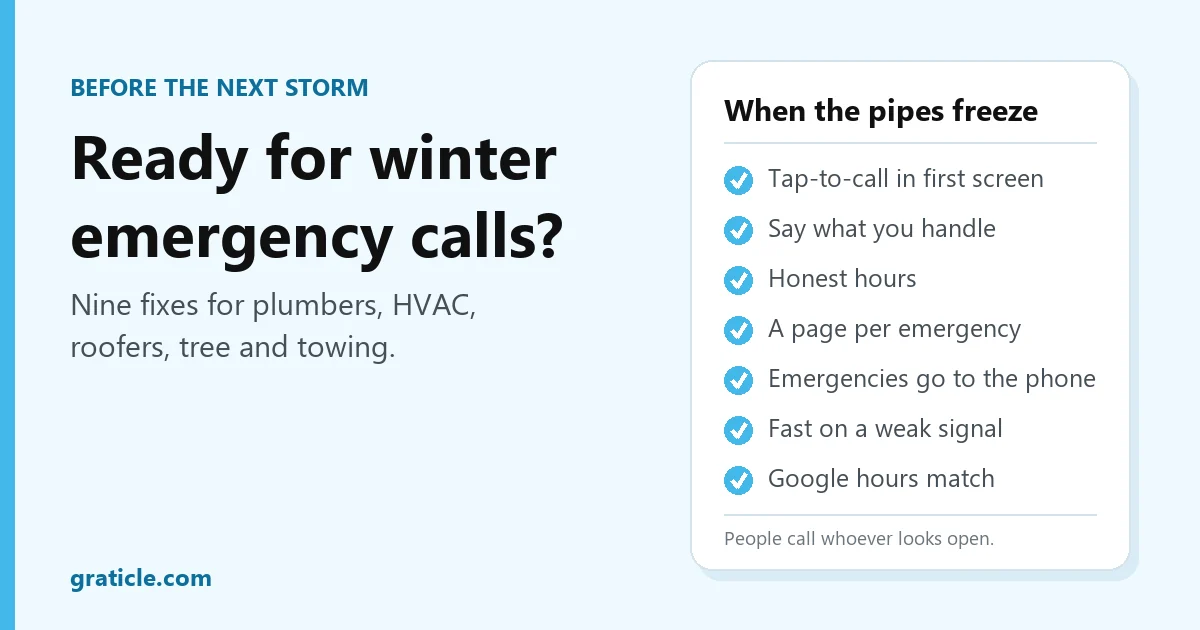
For plumbers, heating and cooling companies, roofers, tree services, restoration companies and towing companies, those are some of the most valuable calls of the year. Here are the nine things we check so a website is ready for them before the weather turns.
The First Screen on a Phone
1. Put a tap-to-call button where a thumb can reach it
Someone standing in an inch of water will not hunt for your number. The phone number should be a tap-to-call link in the first screen, and a call button should stay at the bottom of the screen on phones as the visitor scrolls. When we checked 914 local business websites in Southwest Washington, half had no tap-to-call link at all.
For J&B Towing in Kalama we made the Call 24/7 buttons large enough to hit with a thumb and used high contrast, so the site is easy to read on a roadside at night.
2. Say plainly what you handle in an emergency
A short line at the top of the homepage does more than a paragraph further down: “Burst pipe or no heat? Call now.” Name the problems you actually take after hours, so the visitor knows in two seconds that they are in the right place.
3. Be honest about your hours
Only say 24/7 if somebody really answers at 2 a.m. If you do not, say what happens instead: “We answer until 9 p.m. Messages left overnight are returned by 7 a.m.” A customer who calls a “24/7” number and reaches voicemail does not call back, and some of them write a review about it.
Pages and Forms
4. Give each emergency its own page
“Burst pipe repair,” “furnace not working,” “storm damage roof tarping” and “emergency tree removal” are what people type. A page for each one, with the towns you cover, gives Google a clear match and gives the visitor a clear answer. Add a few lines on what to do while they wait, such as where to find the main water shutoff, or to stay away from a downed line and call 911 and the power company. Helpful advice in a stressful moment earns trust, and the call.
5. Send emergencies to the phone, not to a form
A form is fine for a quote next week. It is the wrong tool for water coming through the ceiling. On the Mallard Mechanical website, choosing Emergency skips the form and puts the phone number in front of the visitor, while everyone else can still request an appointment at any hour. If you keep a form for urgent work, say how fast you reply and make sure the messages reach a phone somebody watches. Our post on form emails that never arrive covers a two-minute monthly test.
6. Keep emergency pages light and fast
During a storm, cell signals are weak and phones are low on battery. A page with an autoplay video and huge photos may never finish loading. Keep the emergency pages simple: the headline, the call button, a few lines of help and one photo that has been compressed for phones.
Your Google Profile and After the Storm
7. Match your Google Business Profile to your real hours
Many emergency calls come straight from the map listing and never reach the website. Set your Google hours to when somebody actually answers, add special hours for the holidays, and list the emergency services you offer. If your website says 24/7 and Google says closed at 5, customers trust neither.
8. Have a storm notice ready to switch on
When the weather turns, a one-line notice across the top of every page tells people what to expect: “Storm calls: we are taking emergency calls now and scheduling everything else for next week.” Write it ahead of time so it can go up in minutes, and post the same message on your Google profile with a Call now button. Take it down when things are back to normal.
9. Ask emergency customers for a review
The customer whose heat you brought back on a freezing night is often the happiest customer you will have all year. Ask within a day or two, while it is fresh. A review that mentions the problem and the town, like “fixed our frozen pipe in Kelso the same night,” helps the next person in the same spot. Here is how to ask without being pushy.
See how we build websites for plumbers, roofers, towing and auto repair and home services. Planning for spring too? Our spring website checklist for contractors covers the busy season.
Questions People Ask
Should my website say 24/7 if I only take some emergency calls at night?
No. Say exactly what you do, such as “emergency calls until 10 p.m.” or “24/7 for burst pipes and no heat.” Customers forgive limits they were told about. They do not forgive a promise that was not kept.
Do I need a separate page for each emergency service?
It helps. People search for the problem they have, like a burst pipe or a tree on the roof, and a page that answers that one problem is more likely to show up and more likely to get the call than a general services page.
What should my Google hours say if I take emergency calls?
Your hours should match when somebody answers the phone. If you truly answer around the clock, set your hours to open 24 hours. If not, use your regular hours and say on your profile and website when emergency calls are taken.
How fast can a storm notice go up on my website?
If it is written ahead of time, a few minutes. For websites we manage, clients call or email and we put the notice up and take it down for them.