A client’s staff member was updating a careers page when a banner appeared across the top of the WordPress dashboard: the plugin that sorts their photo library needed its license reactivated, and now wanted a separate license for every site they ran. They did not know who to ask, so the message went to three people before it reached us.
Nothing was broken. We moved their photo folders to a free plugin that does the same job, every folder and photo came along, and the notice went away the same day. Notices like this are common, and most of them are not emergencies. Here is how to tell what one means and what to do.
Why Plugins Ask for Licenses
Plugins add features to a WordPress website: forms, galleries, backups, sliders, online stores. Many have a free version and a paid one. The paid version usually comes with a yearly license that pays for updates and support. When the license runs out, or the maker changes how licenses work, the plugin shows a notice in your dashboard.
Common versions of the message:
- “Your license has expired. Renew to keep receiving updates.”
- “Please activate your license key.”
- “This license is not valid for this site.” This often appears after a website moves to a new address or a new server.
- “A license is required for each site in your network.”
Is Your Website at Risk?
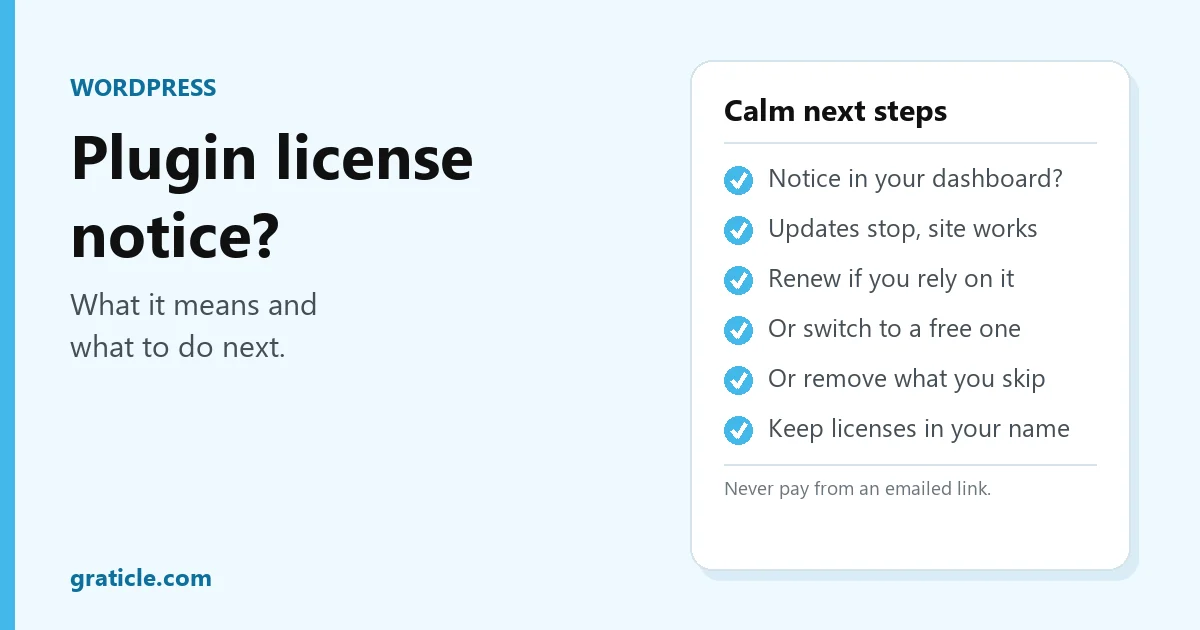
Usually not today. Most plugins keep working when a license runs out. What stops is updates, and that is the part that matters over time. Plugins that never update are one of the most common ways websites get hacked, and an old plugin can break when WordPress itself updates.
Two cases do need attention soon:
- The plugin runs something important, like your online store, your booking form or your backups.
- The notice mentions a security fix you can only get by renewing.
Renew, Replace or Remove
Renew it
If the plugin does something your business depends on and the price is fair, renew it. Buy from the plugin maker’s own website, in your business’s name.
Replace it
Many paid plugins have a good free alternative that does the same job. Moving over takes some care so nothing is lost, but it can save a yearly fee, especially when a maker starts charging per site.
Remove it
Some notices belong to plugins nobody uses anymore. A feature from an old promotion, a slider that was replaced, a tool added during a redesign years ago. Removing what you do not need makes the website faster and safer.
Not sure which one you have? Before deleting anything, take a full backup and test the website after each change. Removing the wrong plugin can take a page or a form down with it.
Make Sure the Licenses Are Yours
A paid license is something your business pays for, so the account should be in your business’s name, with your email address. If a past web designer bought licenses under their own account, the renewals and the downloads go with them. Our guide to who owns your website covers the other accounts worth checking, and our Do I own my website? check walks through them.
On the websites we manage, we keep the plugins updated, watch for notices like these, and decide with you whether to renew, replace or remove, so nobody on your team has to guess. If your site is on WordPress and you would rather not deal with it, see how our WordPress help works.
Questions People Ask
Will my website stop working if a plugin license expires?
Usually not. Most plugins keep working but stop getting updates and support. Over time, missing updates can cause security problems or break the plugin when WordPress updates.
Why does a plugin say my license is not valid for this site?
Licenses are tied to a website address. Moving the site to a new address or server, or adding more sites, can make the plugin ask you to activate the license again.
Should I pay a license renewal invoice I got by email?
Not from a link in the email. Log in to the plugin maker’s website directly, or ask your web designer. Fake renewal invoices are a common scam.
Who should own my plugin licenses?
Your business. The license account should use your business email, so renewals and downloads stay with you if you change web designers.