Plenty of local businesses run on a Facebook page alone, especially trades. It is free, it is where a lot of neighbors already are, and posting a photo from a job takes a minute. So why pay for a website?
A Facebook page is a good tool. It just does a different job than a website, and if it is the only place you exist online, some customers will never find you, and some who do will not trust what they see.
What a Facebook Page Does Well
- Showing you are active. Recent posts and photos tell people you are open and working.
- Word of mouth. Neighbors tag you in local groups, share your posts and ask for recommendations.
- Quick updates. Weather closures, holiday hours, a new truck or a finished job.
- Messages. Some customers would rather send a message than call.
What You Miss With Facebook Alone
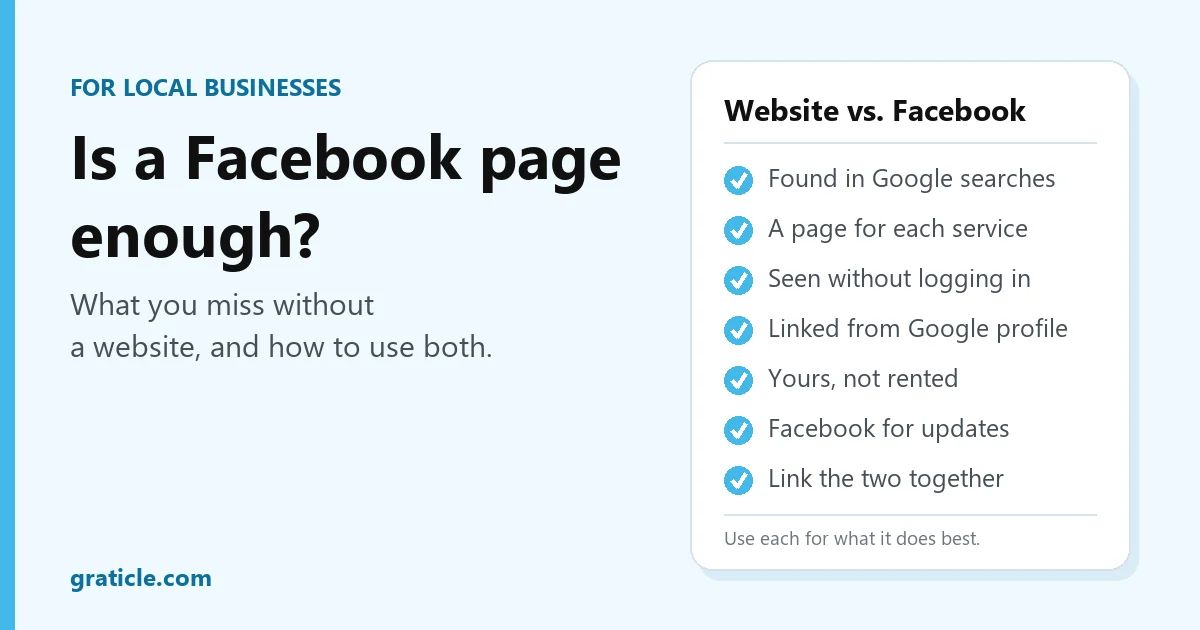
- Google searches for your work. When someone searches “roof repair in Kelso” or “furnace repair near me,” Google mostly shows business profiles and websites with a page about that service. A Facebook page rarely shows up for those searches.
- A place to explain your services. Facebook is a feed. Your best project from last spring is buried under a year of posts, and there is no page that clearly says what you do, where and how to get an estimate.
- People who do not use Facebook. Many customers do not have an account, and Facebook often asks visitors to log in before they can see much.
- A link for your Google profile. Your Google Business Profile has a website button. A real website with your services and towns gives it something to point to.
- Control. Facebook decides who sees your posts. And if the account is hacked or locked, which happens to small businesses more often than you would think, you can lose your page overnight.
- Trust for bigger jobs. For a new roof or a remodel, people want to see a real website with your work, your reviews and your contractor registration before they call.
How to Use Both
- Let the website hold the facts. Services, towns you serve, photos of finished work, reviews, your registration number and a simple estimate form.
- Let Facebook show the day to day. Finished jobs, your crew, community events and quick updates.
- Link them together. Put your website in your Facebook page details, and a Facebook link in your website footer.
- Post a job, then link to it. When a project goes up on your website, share it on Facebook with a link, so people land on the page with your number and the estimate form.
- Protect the account. Turn on two-factor login, keep at least two trusted admins and know who has access. Our post on giving access without sharing passwords shows how.
We post on our own Facebook page every week and link to our website and guides, and the website is where the calls and quote requests come from. If you are not sure your website is pulling its weight, our free website score is a quick place to start.
Questions People Ask
Do I need a website if I have a Facebook page?
If you want customers who search Google for your service to find you, yes. A Facebook page is good for updates and word of mouth, but Google mostly shows business profiles and websites for service searches, and many customers want to see a real website before they hire someone for a bigger job.
Does a Facebook page show up on Google?
Your page name can show up when someone searches your business by name. For searches like a service plus a town, Google mostly shows Google Business Profiles and websites with a page about that service.
Can I use my Facebook page as my website on Google?
You can link it from your Google Business Profile, but a real website with your services, towns and photos gives customers and Google much more to go on.
What should I post on my business Facebook page?
Finished jobs with a photo and the town, your crew at work, holiday hours, community events and quick tips from your trade, with a link to the matching page on your website when there is one.